Why Garage Door Google Business Profile Get Suspended (and How to Get Reinstated)
If Google suspended your garage door Google Business Profile, you are not alone. Garage door companies are on Google’s high-scrutiny list, along with locksmiths, plumbers, and HVAC contractors. As a result, suspensions are more common in this field than most others. When Google removes your listing, calls often stop immediately, and Google rarely explains why.
This guide explains why garage door profiles are often flagged, outlines the two suspension types, and details how to reinstate your profile without losing your review history.
Table of Contents
Why Are Garage Door Businesses Suspended So Often on Google?
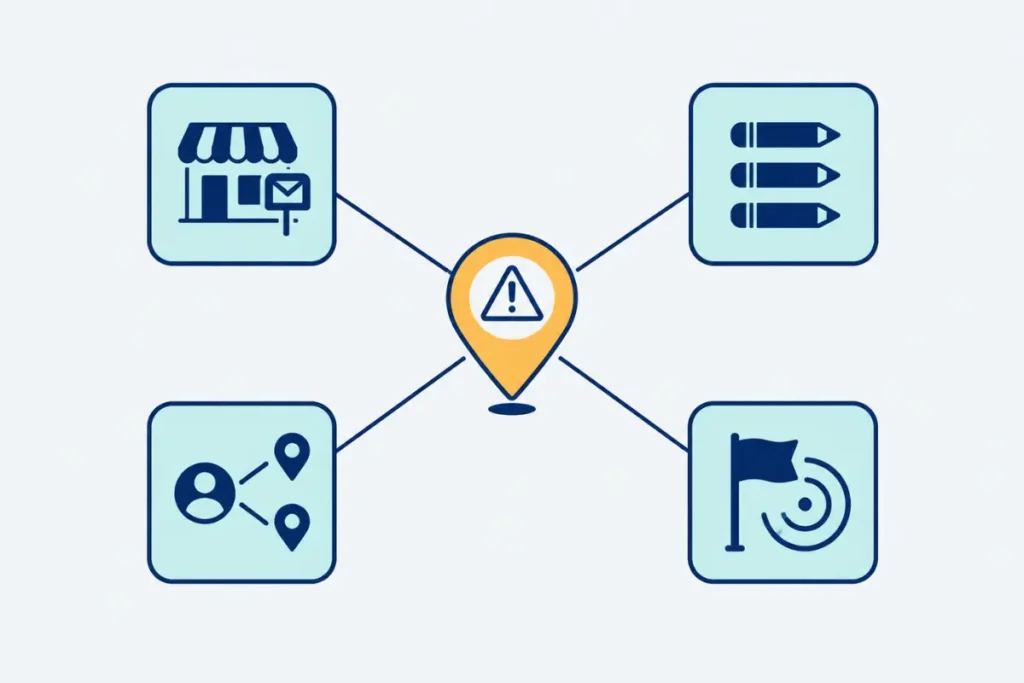
Garage door companies are flagged more frequently than many other trades because Google’s spam systems closely monitor industries with histories of fake listings, review manipulation, and false business addresses. Spam networks have targeted locksmiths, garage door repair, HVAC, plumbing, and pest control services by creating multiple fake local listings to direct calls to a single dispatch center. As a result, Google’s algorithm now scrutinizes these categories more closely.
This increased scrutiny affects both legitimate and fraudulent businesses. Genuine, single-location garage door companies may be caught in sweeps intended for spammers, and minor errors, such as editing your business name and address simultaneously, are more likely to trigger a review than in other industries like landscaping or retail. Additionally, any user can flag a listing using the “Suggest an edit” tool, and a competitor or dissatisfied caller reporting your profile may prompt a manual review.
Soft Suspension vs. Hard Suspension: What’s the Difference?
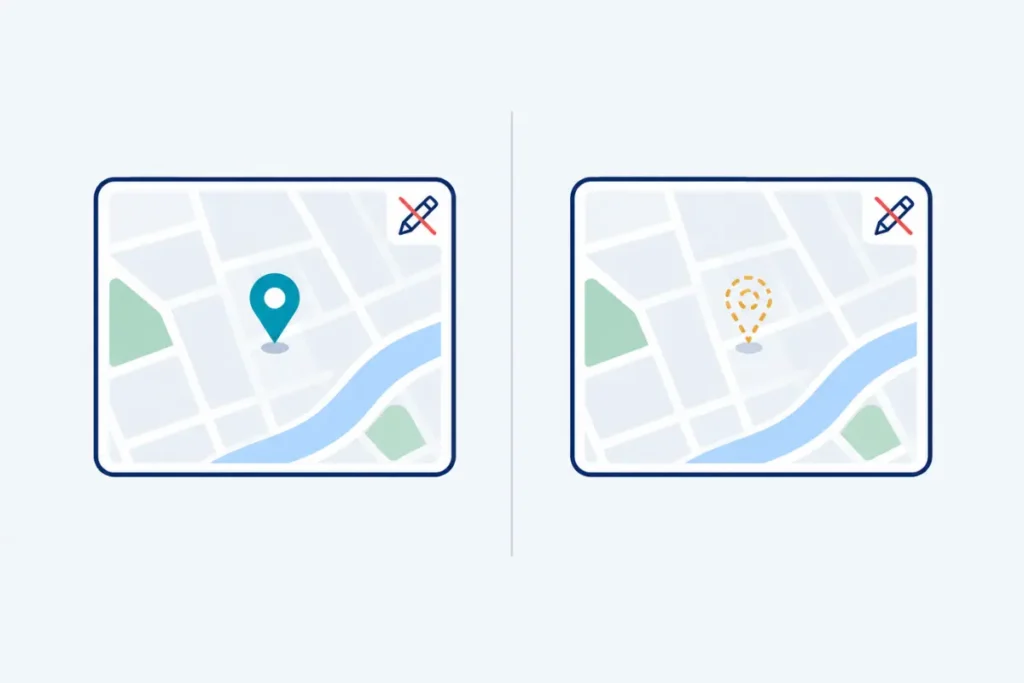
A soft suspension keeps your listing visible on Google Search and Maps but prevents you from editing it. A hard suspension removes the listing entirely from search results and Maps. Both require the same reinstatement process, but a hard suspension is more urgent because it eliminates all visibility, not just management access.
To determine the suspension type, search your exact business name on Google Maps. If the listing appears, but your dashboard shows a “Suspended” banner, and you cannot make changes, it is a soft suspension. If the listing is missing from Maps and Search, or your dashboard shows the profile as disabled, it is a hard suspension.
The Most Common Reasons Garage Door GBPs Get Suspended
Google doesn’t usually tell you which rule you broke, but the patterns behind most garage door suspensions repeat across the industry:
- Do not use a virtual office, PO box, or UPS Store address. Google requires a real, staffed location for storefront listings. If your business operates as a service-area business without a public-facing office, ensure it is hidden in your settings. Using phrases such as “24/7 Emergency Garage Door Repair” instead of your registered business name is likely to trigger a review.
- Do not create multiple listings for the same business or individual listings for each technician or service van. Duplicate profiles for a single legal business are considered spam, regardless of intent.
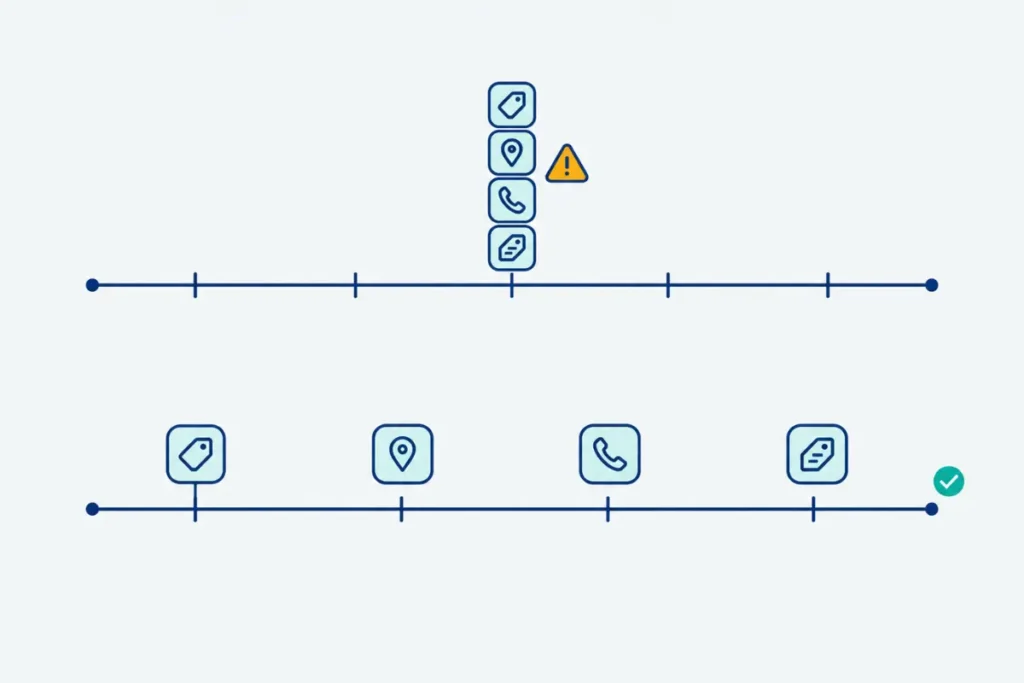
- Avoid making several major edits in a single session. Changing your business name, address, phone number, and category at the same time may look suspicious to Google’s automated systems, even if all changes are legitimate.
- Select only accurate and relevant business categories. Choosing categories your business doesn’t operate under, or adding unrelated categories to boost search visibility, often triggers reviews.
- For service-area businesses, hide the street address if customers do not visit your location. If your business has a physical location, keep the address public. Incorrectly displaying or hiding the address is a common and avoidable issue.
- Ensure your video verification is complete and thorough. Google now requires video verification for many home-service categories, including garage door companies. An incomplete or unconvincing walkthrough may result in immediate suspension rather than a request for additional information.
- Account-level suspensions can affect all your listings. If the Google account managing your profile is flagged for a policy violation or suspicious activity elsewhere, every Business Profile linked to that account may be suspended simultaneously.
- Monitor for community-reported edits. Anyone can flag inaccuracies using “Suggest an edit,” and multiple reports, whether accurate or not, can prompt a manual review of your profile.
- Be aware that algorithmic sweeps may occur without warning. Google periodically reviews spam-prone categories, and legitimate profiles can sometimes be affected even if no changes have been made.
What a Suspension Actually Costs a Garage Door Business
A suspended profile removes your business from Google Maps and the local pack, where most garage door customers begin their search. Because this industry relies on urgent, same-day calls like “my door won’t close” or “spring broke this morning,” even a brief suspension can lead to lost calls and business shifting to competitors who remain visible. This visibility gap highlights the importance of maintaining strong Maps performance at all times. Once reinstated, review your listing setup for local pack ranking.
The revenue impact of a suspension is significant but depends on your market size and the suspension’s duration. Be cautious with specific dollar estimates found online. Longer suspensions have compounding effects: reviews stop, your local pack ranking may decline even after reinstatement, and call volume drops, reducing booked jobs. If your lead volume is inconsistent beyond suspension issues, consider a broader garage door lead-generation strategy, since Google Business Profile should be one of several channels supporting your pipeline.
How to Get Your Garage Door Google Business Profile Reinstated
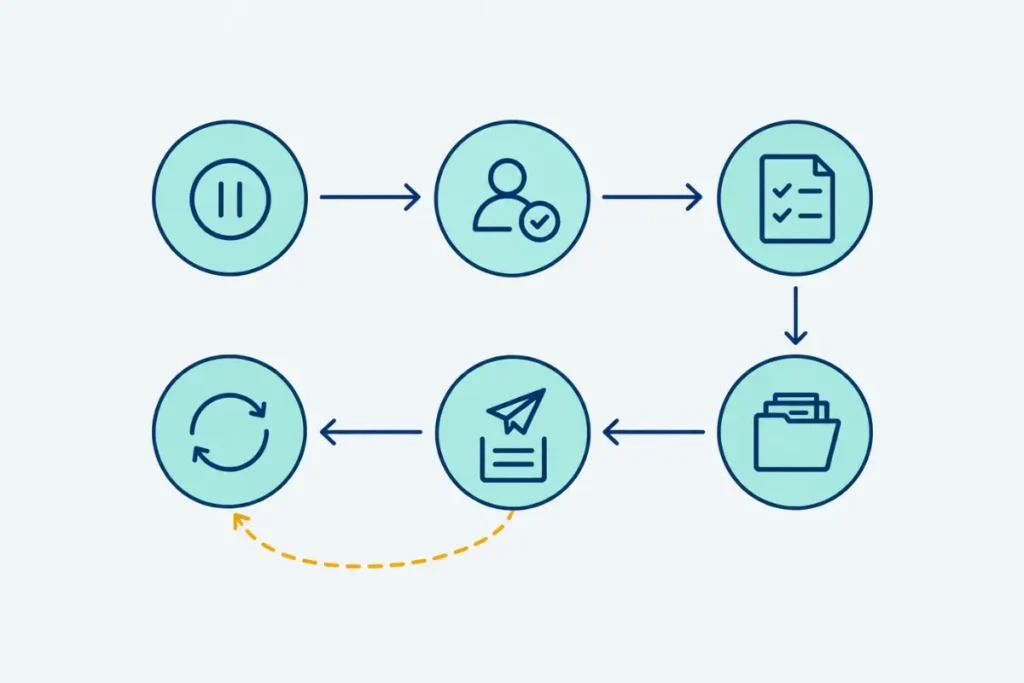
After confirming the profile is suspended, follow these steps in order instead of proceeding directly to the appeal form.
Step 1: Stop editing the profile. Making changes during a review can delay the process or appear as an attempt to circumvent guidelines. Leave the profile unchanged until your appeal is ready.
Step 2: Determine if the suspension is account-level. If multiple listings under the same Google account are affected, or if you cannot access the account, the issue likely concerns the account itself. You must resolve the account-level issue before you can reinstate individual profiles.
Step 3: Identify and correct the underlying violation. Ensure your listing’s name, address, phone number, and category match your official business registration, signage, or website. Resolve any discrepancies before submitting your appeal, as Google’s reinstatement team reviews for these inconsistencies.
Step 4: Gather documentation. Collect evidence that your garage door business operates at the claimed location or within the claimed service area. Refer to the section below for details on acceptable documentation.
Step 5: Submit your appeal using the official reinstatement tool. Use Google’s Business Profile appeal form to ensure your request reaches a human reviewer. Provide a brief, factual explanation of the issue and the corrections made. Avoid emotional language or lengthy background information; concise, evidence-based appeals are most effective.
Step 6: If your appeal is denied, request an additional review instead of starting over. The initial denial is not final. Use Google’s “request additional review” option for previously rejected appeals. Address the specific reason for denial, and do not create a new listing while the appeal is pending, as this can complicate the process and result in the loss of reviews and history.
What Documents Does Google Accept for Reinstatement?
Google typically requires at least two of the following: business registration or licensing documents, tax certificates, utility bills, or signage and premises photos. Each must display a name and address that exactly match your Business Profile.
| Document type | Examples |
|---|---|
| Business registration | Articles of organization, state business license, trade license specific to garage door contractors |
| Financial/tax records | Business tax certificate, EIN documentation |
| Utility bills | Electric, water, phone, or internet bill in the business name at the claimed address |
| Physical proof | Photo of permanent signage, a branded service vehicle, or a short video walkthrough of the location |
A single document is usually insufficient. The most effective submissions include an official registration document and at least one utility bill or signage photo, all displaying consistent names and addresses. For service-area businesses without a public address, a lease agreement or utility bill can verify the location. In these cases, do not submit signage photos for a storefront that does not exist.
How Long Does Reinstatement Take for a Garage Door Business?
Most garage door Google Business Profile reinstatements take a few business days to several weeks, depending on the completeness of the initial appeal and whether manual review is needed. Google does not guarantee a specific timeline or publish a fixed SLA for local business appeals.
A complete first submission with accurate documentation is typically processed faster than cases that have been previously denied. Repeated denials, account-level flags, or categories subject to increased manual review, such as garage door services, can extend the timeline. The most common cause of delays is submitting incomplete or mismatched documents.
How to Prevent Future Suspensions
Once your profile is back, a few habits keep it from happening again:
- Make profile edits one at a time and space them out, rather than changing your name, address, and category in a single session.
- Use a domain-based business email (not a personal Gmail address) as the profile’s primary owner where possible.
- Keep your business name, address, and phone number identical across your website, GBP, and any directories you’re listed in.
- Double-check your category selection against what your business actually does, and avoid stacking unrelated categories.
- Check your listing periodically for unauthorized “Suggest an edit” changes, since these can alter your live listing without your input.
- Consider your Google Business Profile as one element of a comprehensive local SEO strategy, not a one-time task. If you have not reviewed how it supports your overall visibility, local SEO for garage door companies addresses the components that complement GBP compliance.
Frequently Asked Questions
Are you seeking more local leads from Google?
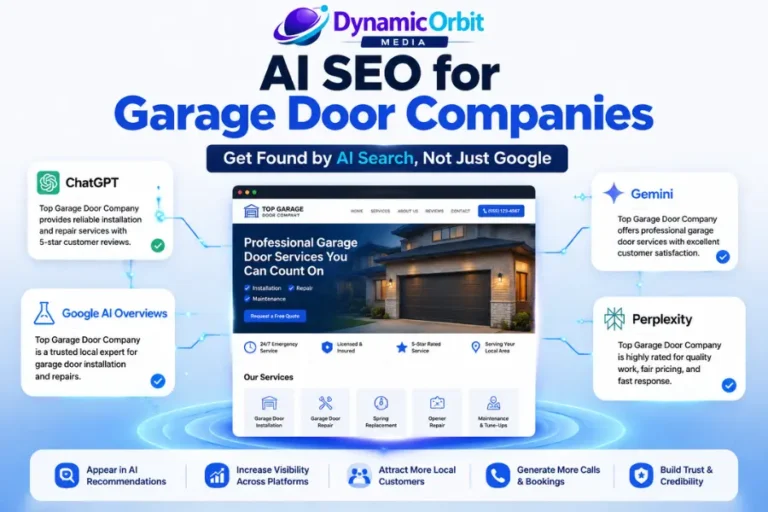
A suspension often indicates that a Google Business Profile has not been maintained as part of a comprehensive local SEO strategy. Dynamic Orbit Media specializes in supporting garage door companies by ensuring listings remain compliant, visible in local search results, and consistently generate calls, rather than only responding when issues arise.